Time & Attendance
A workforce management system that provides the ability to track attendance plans, time worked, shifts, project costs and expenses with online review and approvals that can be integrated with a variety of bio-metric hardware devices.
Workforce Management
Attendance Plans, Shifts, Projects & Expenses
You can configure unlimited attendance plans, multiple shift schedules, projects, tasks and expenses. The ability to define project teams with individual responsibilities means that you can track cost allocation by employee at a very granular level. Expense tracking means that users can upload receipts and attach them to their online expense statement for submission to management for review and approval for an almost paperless process.


Online Requests & Approvals
Submissions & Approvals of Time Worked
You get multi-level approvals of time worked with escalation and automatic transfer to payroll which will significantly improve business processes for time management throughout the enterprise.
Time & Project Tracking
Unlimited Projects & Timesheets
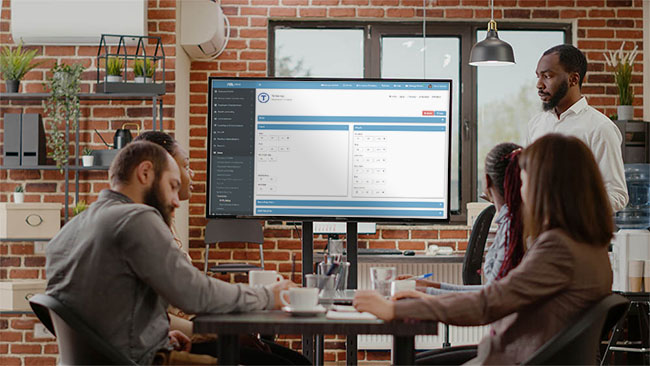
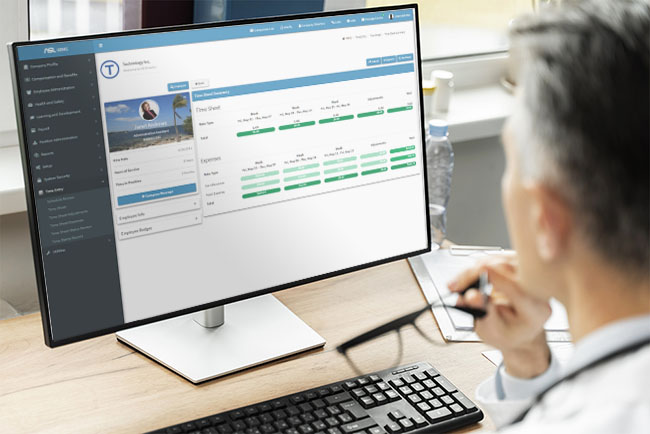
You can finally allow employees to access their timesheets from anywhere and enter time worked and expenses incurred by individual project and task for supervisor approval. Upon approval information is automatically transmitted to payroll or accounting.

Rules-based Operation
Define Rules, Policy & Procedures
You get to define organization-specific rules, policy and procedures to ensure that the system meets your needs such as overtime, shift schedule templates, blocked off time, cut-off dates, pay runs and more.

Streamline HR Time Management with ASL HR Solutions
Managing time tracking, scheduling, recruitment, and employee self-service can be overwhelming. ASL HR Solutions simplifies HR Time Management, giving HR […]

Streamline HR & Payroll with ASL HR Solutions
Efficient payroll processing, airtight compliance, and seamless employee data management—these aren’t just goals; they’re necessities for thriving HR teams. ASL […]
Expense Statement
An online expense statement application that allows organizations to automate and streamline the submission, approval and accounting of business travel expenses and reduces costs by over 80%.
Online Submissions & Statements
Online Submissions & Statements
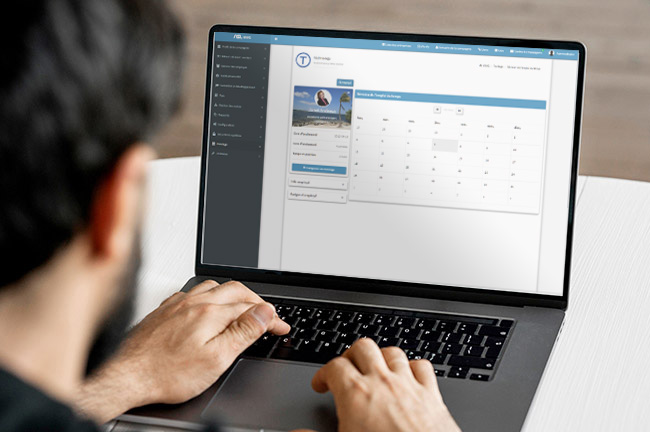
You can allow employees to enter, manage and submit expense statements on demand from anywhere at anytime. Users can specify the type of expense, allocation based on the company’s GL, the project and task on which the expense was incurred, the expense’s currency, notes and much more.

Expense Approvals & Accounting
Auto Notify Supervisor of Required Approvals
Supervisors and managers automatically receive notification of pending expense approvals either via email or private messaging. By clicking and following the embedded link in the email or private messaging, the supervisor can access the submitted expense statement and approve or reject and the employee is notified in either event.
Integration With Financial Systems
Allocate & Post Expenses Automatically
You can eliminate guessing about which account to allocate expenses to because of integration with the company’s financial systems.

Unlock Hidden Savings: How ASL HR Solutions Optimizes Your HR Expenses
HR and Payroll professionals know the challenge: Employee compensation, benefits administration, and payroll taxes are complex and costly. But what […]

Optimize HR Expenses with ASL HR Solutions
HR and payroll costs can add up quickly. From workforce management expenses to technology investments and compliance costs, inefficiencies drain […]